
Productivity
Text Blaze
Automated text expander and AI snippet assistant for fast keyboard shortcuts across browsers.
Freemium
★★★★½
4.8
Text Expander
Keyboard Shortcuts
Snippet Manager
AI Automation
Productivity Extension
About Text Blaze
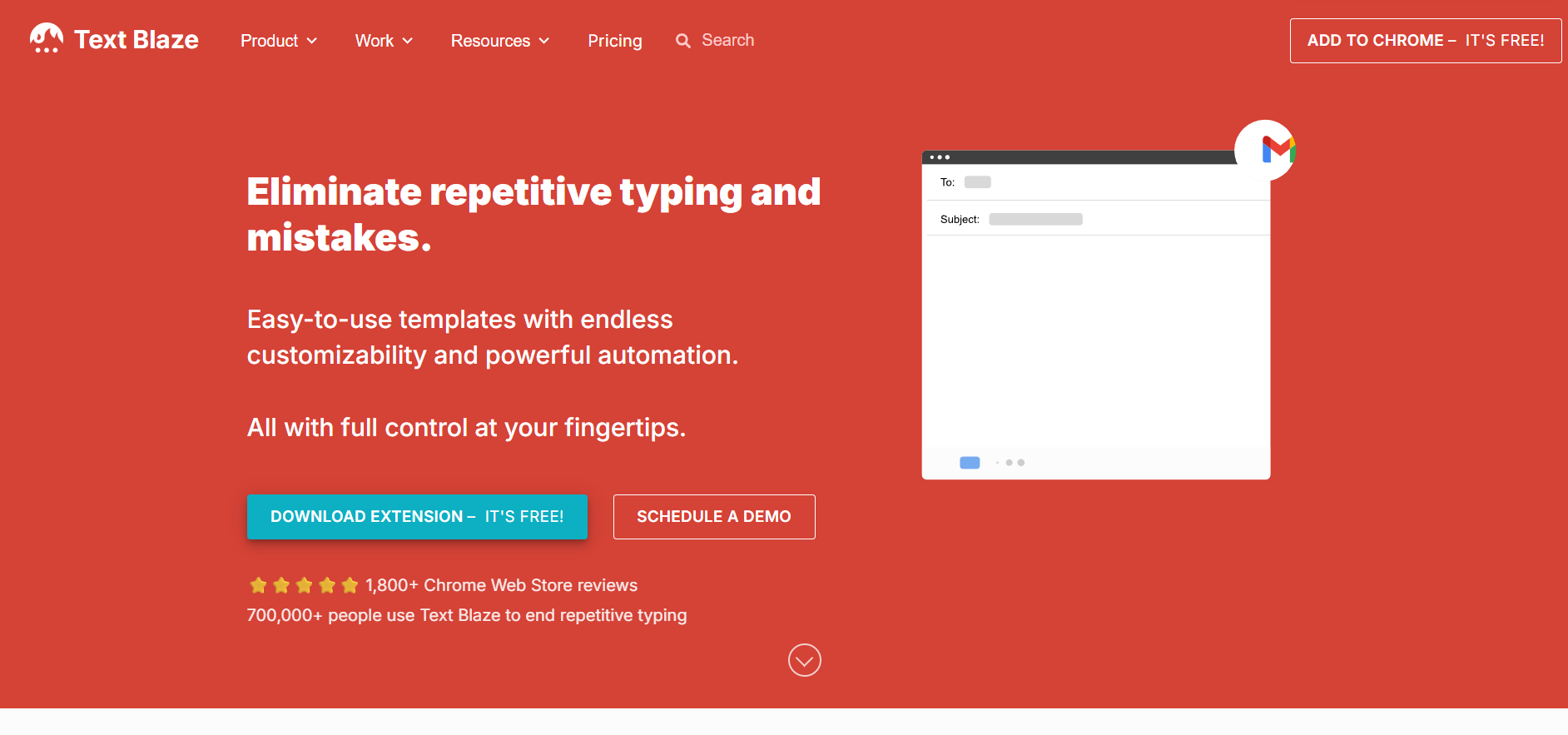
Text Blaze (blaze.today) is a productivity platform and keyboard macro extension designed to eliminate repetitive typing across web applications. By assigning custom keyboard shortcuts to dynamic text snippets, users can instantly insert canned responses, emails, and complex forms into apps like Gmail, Salesforce, and LinkedIn. It integrates AI Write and AI Blaze features, allowing users to generate text, rewrite paragraphs, and execute automated prompts anywhere on the web. Text Blaze supports dynamic formulas, dynamic form fields, simulated keystrokes, and shared team snippet folders. It optimizes daily messaging workflows for customer support, sales teams, educators, and recruiters.
Frequently Asked Questions
What is Text Blaze and how does its text expansion system work?
Text Blaze is an automated productivity tool and browser extension designed to speed up repetitive typing across desktop and web applications. Users save frequently typed phrases, email templates, or multi-paragraph responses as custom "snippets" associated with short keyboard triggers (such as typing /ty to auto-expand a full thank-you note). When the shortcut is typed into any text field, Text Blaze instantly replaces the shortcut with the designated boilerplate text, saving time and reducing typographical errors across customer support, recruitment, and sales communications.
How do AI Write and AI Blaze integrate into Text Blaze snippets?
Text Blaze incorporates artificial intelligence directly into its snippet creation engine through AI Write and the AI Blaze extension. Users can write natural language prompts inside the snippet editor to generate dynamic text templates, rephrase existing boilerplate copy, or automatically generate interactive forms. Furthermore, AI Blaze operates as an inline assistant across any website, allowing users to execute custom AI prompts, rewrite selected text, or summarize web page context using keyboard shortcuts.
What advanced dynamic features (forms, dynamic logic, and team sharing) are supported?
Beyond basic static text substitution, Text Blaze supports dynamic form fields, real-time calculation formulas, drop-down menus, dates, and website integration placeholders. When a user triggers a dynamic snippet, a pop-up modal allows them to fill in blank fields (such as customer names or invoice numbers) before populating the formatted text. Additionally, organizations can create shared snippet folders, ensuring that customer support and sales teams maintain consistent messaging, branding, and updated documentation across all client communications.
Is Text Blaze free to use, and which operating systems are supported?
Text Blaze operates on a freemium pricing structure. The free tier gives individual users access to core snippet expansion features, introductory form fields, and basic shortcut usage. Upgrading to Pro, Business, or Enterprise tiers unlocks higher snippet storage limits, advanced dynamic formulas, team collaboration management, and centralized admin controls. Text Blaze is available as a Google Chrome extension, a standalone macOS desktop app, and a native Windows desktop application.
Similar Tools
More in Productivity

Zendesk
Productivity
Enterprise customer service platform with native AI agents, ticketing, and omnichannel support.

MCP360
Productivity
MCP360 unlocks your AI agent with 100+ production-ready tools and a custom MCP builder via one integ

Spoke.ai
Productivity
AI tool that revolutionizes team communication and project management.

Helper
Productivity
Access ChatGPT directly inside any app without context switching.
📬 The 5 best new AI tools, every Tuesday
One short email. No spam, unsubscribe anytime.