
Productivity
SlidesAI
Google Slides add-on that automatically turns raw text and long documents into slide decks.
Freemium
★★★★
4.4
Google Slides Extension
Text-to-Presentation
Add-on Tool
Presentation Automation
Multi-Language Slides
About SlidesAI
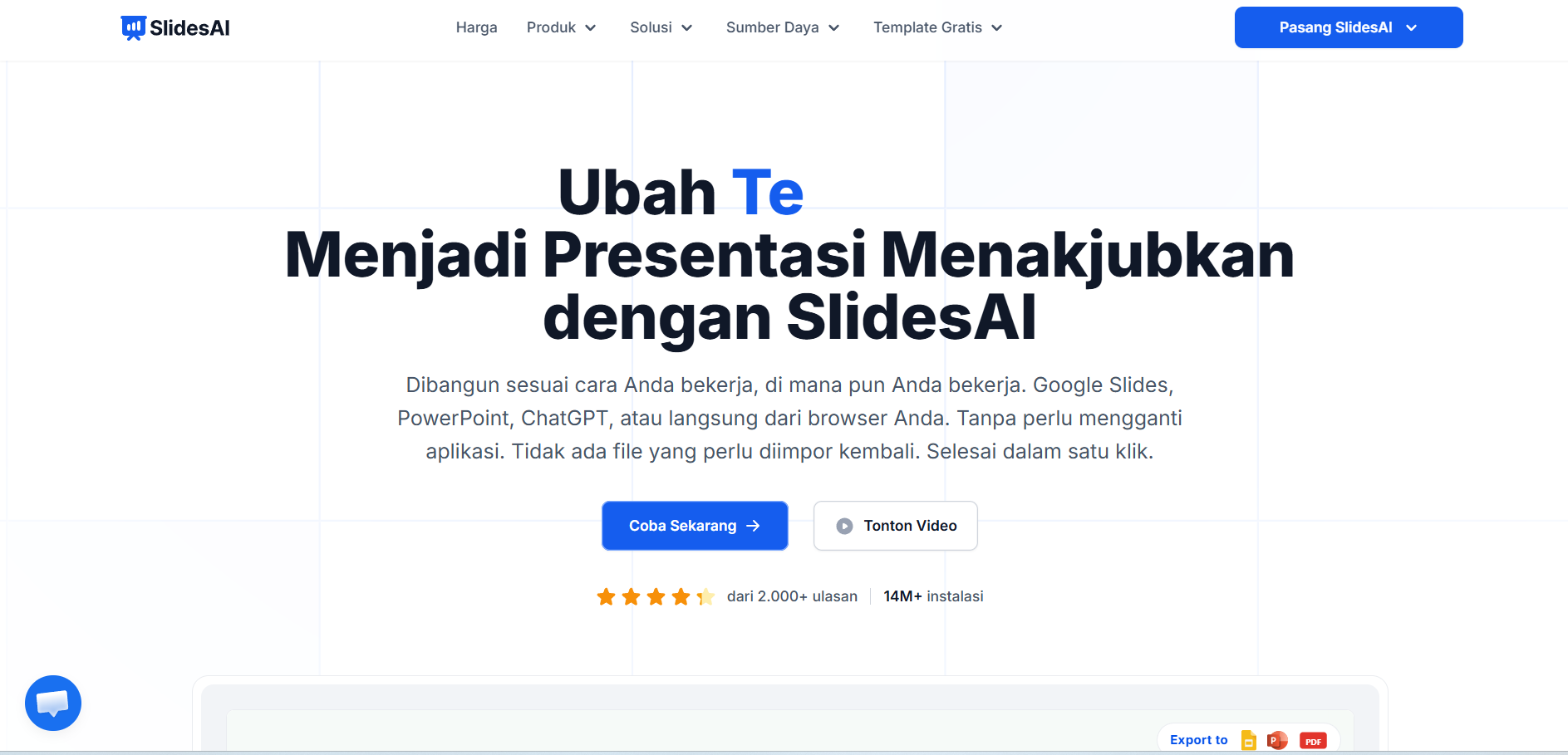
SlidesAI is an AI-powered presentation add-on designed to operate directly inside Google Slides and Microsoft PowerPoint. The software converts long-form text—such as articles, summaries, blog posts, or research notes—into structured slide presentations without requiring users to switch applications. Users paste their raw text into the extension window, choose a presentation type and color theme, and the AI automatically summarizes paragraphs into concise bullet points across multiple slides. It includes tools for automatic image sourcing, slide layout customization, and multi-language text processing across over 100 global languages. The extension streamlines slide formatting directly within native presentation software. Account tiers are structured based on monthly presentation generation limits and input text character caps.
Frequently Asked Questions
What is SlidesAI.io, and how does it integrate with Google Slides?
SlidesAI.io is an artificial intelligence add-on extension that installs directly into Google Slides (and integrates with Microsoft PowerPoint). Instead of building slides on a third-party website, users open the add-on within their existing presentation workspace, paste raw text, and let the AI automatically generate formatted slides, titles, and summarized bullet points natively on their canvas.
What pricing tiers are offered by SlidesAI, and what is included in the free tier?
SlidesAI operates on a Freemium structure offering a Free plan that allows users to generate up to 3 presentations per month with a 2,500-character input text limit per deck. Paid tiers—such as the Pro plan (~$10 per month) and Premium plan (~$20 per month)—expand monthly presentation quotas, increase character limit allowances to 10,000+ characters, and unlock advanced document import capabilities.
How does SlidesAI convert long documents and text into slides?
The add-on uses natural language summarization algorithms to analyze submitted text blocks, identify core topics, and eliminate unnecessary verbiage. It then formats the summarized key points onto individual slides, assigns visual hierarchy, and suggests relevant stock icons and images to complement each slide topic.
Does SlidesAI support local languages like Indonesian (ID) and multi-language conversion?
Yes, SlidesAI supports text input and presentation generation across more than 100 global languages, including localized language interfaces such as Indonesian (Bahasa Indonesia). Users can paste text in one language and request the add-on to translate and generate slide summaries in another language automatically.
Similar Tools
More in Productivity

Zendesk
Productivity
Enterprise customer service platform with native AI agents, ticketing, and omnichannel support.

MCP360
Productivity
MCP360 unlocks your AI agent with 100+ production-ready tools and a custom MCP builder via one integ

Spoke.ai
Productivity
AI tool that revolutionizes team communication and project management.

Helper
Productivity
Access ChatGPT directly inside any app without context switching.
📬 The 5 best new AI tools, every Tuesday
One short email. No spam, unsubscribe anytime.