
Productivity
Read AI
AI meeting platform with summaries, insights, and productivity analytics
Website checked and live 4 days ago · how we check
Meeting Intelligence
AI Summaries
Meeting Analytics
Productivity
Collaboration
Engagement Analytics
Transcription
Action Items
About Read AI
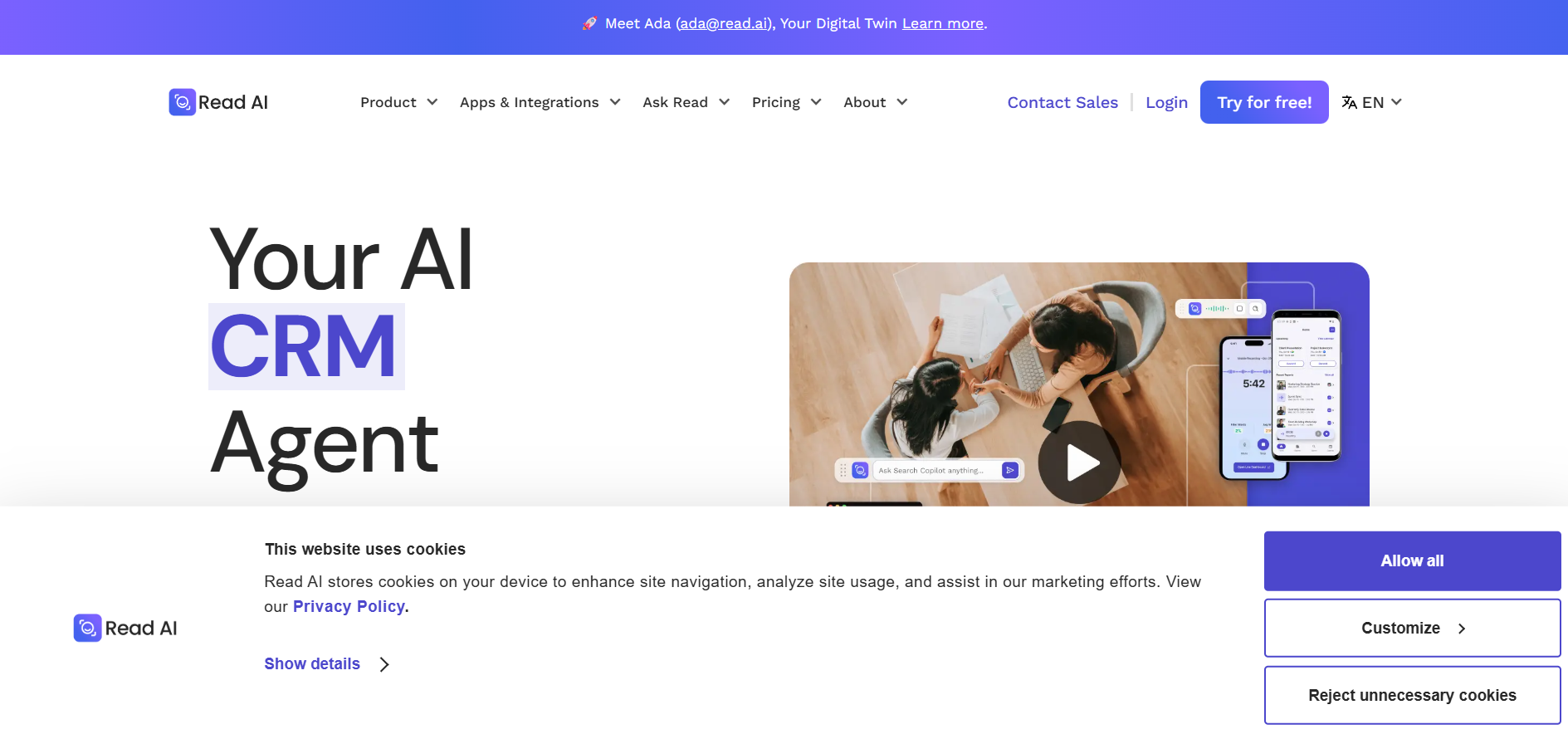
Read AI is a meeting intelligence platform that provides automated summaries, transcripts, and engagement analytics. It evaluates participation, sentiment, and meeting effectiveness to help teams improve communication. Users receive AI-generated insights, action items, and follow-up recommendations. The platform integrates with video conferencing, messaging, and productivity tools. Read AI is designed to help organizations reduce meeting overload and improve collaboration. It is widely used by remote and hybrid teams.
Frequently Asked Questions
What is Read AI and how does it differentiate itself from standard transcription tools?
Read AI is a productivity platform that aggregates data from your meetings, emails, and messaging apps into a centralized knowledge graph. While traditional assistants solely transcribe a specific video call, Read AI acts as an interconnected layer across your workspace, linking key conversational details from Google Meet, Zoom, or Microsoft Teams to related threads in Outlook, Gmail, or Slack.
What core tools does the platform use to evaluate and contextualize team communications?
The platform features an automated metric suite including Speaker Coach and For You Insights. Instead of just delivering text summaries, Read AI measures audience engagement and speaker sentiments during live sessions, offering private coaching trends regarding speaking speed, filler words, and charisma. Additionally, its Monday Briefing tool connects previous week meeting conclusions with your open text channels to generate a comprehensive status update automatically.
What are the primary capabilities of Ada and the platform's open workflows?
Ada is an integrated AI assistant capable of responding to conversational prompts from your history, organizing calendar schedules, and processing automatic follow-up actions. For teams operating custom environments, Read AI includes native support for the Model Context Protocol, allowing third-party applications like ChatGPT and Claude to safely access your meeting transcripts and workspace reports without needing manual exports.
Can Read AI save and export workspace reports to shared team document hubs?
Yes, the platform includes automated synchronization tools that allow users to connect directly with external knowledge bases. You can specify target destination spaces and auto-save completed meeting recaps, structural topics, and action lists directly into platforms like Notion and Confluence. Furthermore, it pushes data into task tracking software and CRM systems such as Jira, Salesforce, and HubSpot.
Are you the maker of Read AI?Add this badge to your website so visitors can see your rating.
80listing views
Live counters, all time. We show every maker the real numbers.

Want it in front of more people? Fast-track & upgrade this listing →
Alternatives
Best Read AI Alternatives
Looking for something like Read AI? These are the highest-scored Productivity tools in our directory, ranked by score, never by who paid: MCP360, Titan, MeetTwins, Zeph, Avoma and more.

MCP360
Productivity● Live
MCP360 unlocks your AI agent with 100+ production-ready tools and a custom MCP builder via one integ

Titan
Productivity · AI Desktop Assistant● Live
A Mac AI assistant that hears you, sees your screen and does the work inside the apps you already use.
👯
FreemiumNewMeetTwins
Productivity · AI Meeting Assistant● Live
Send an AI twin to your Google Meet standups. It says it is an AI and gives your update from a brief you write.

Zeph
Productivity · Voice Dictation Hardware● Live
A small push-to-talk hardware companion that sends your voice to any app and to your AI agents.

Avoma
Productivity● Live
AI meeting assistant for recording, transcription, and conversation insights

Fathom
Productivity● Live
AI meeting assistant for recording, summaries, and CRM notes

Supernormal
Productivity● Live
AI meeting assistant that creates notes, summaries, and action items

Sembly AI
Productivity● Live
AI meeting assistant that records, transcribes, and summarizes meetings.
📬 Get the best new AI tools by email
Only when we find tools worth your time. No spam, unsubscribe anytime.