
Video & Audio
Descript
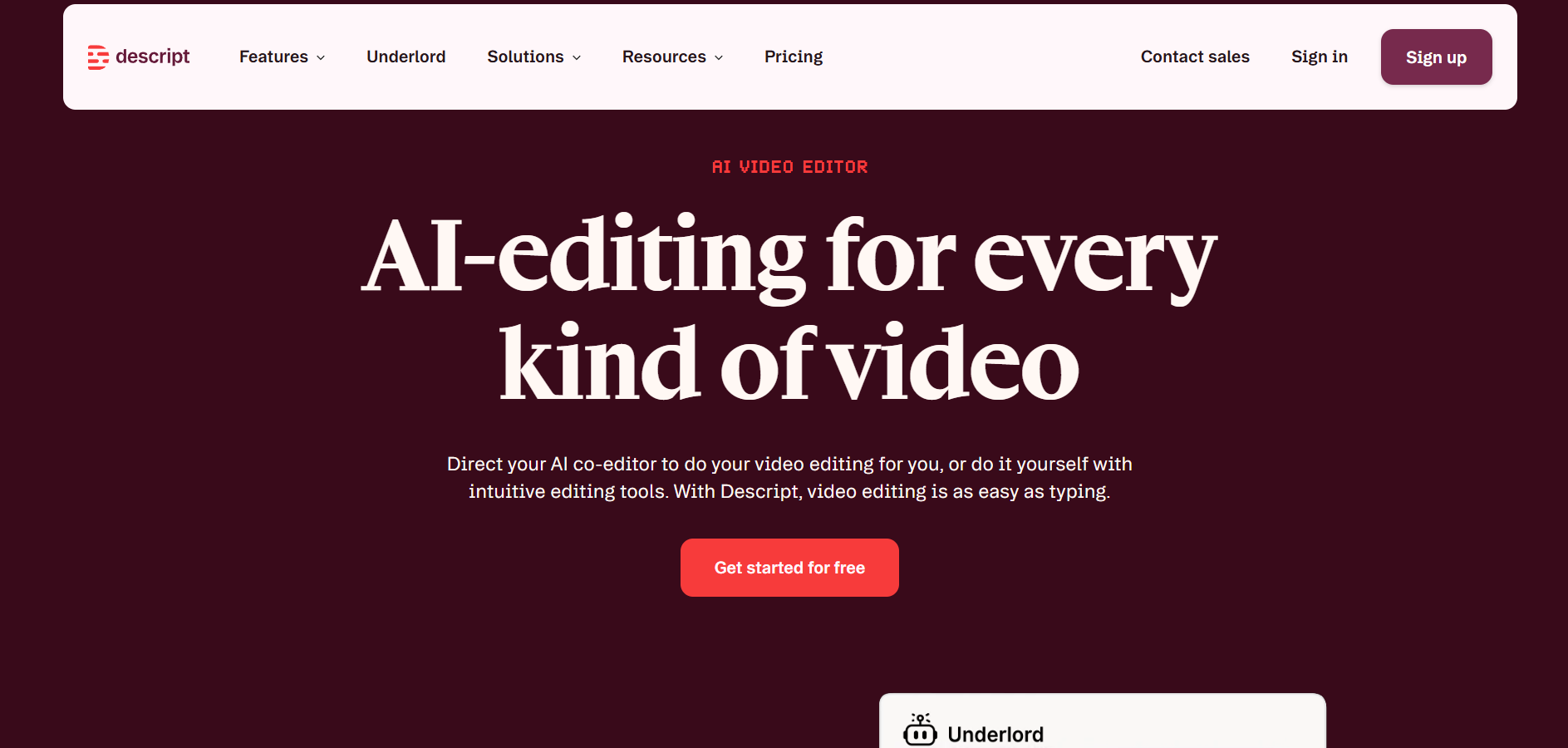
An AI-powered video and audio editor that lets users edit media content by editing transcribed text.
Website checked and live 8 days ago · how we check
Text-Based Video Editor
AI Podcast Editor
AI Voice Cloning
Filler Word Remover
Automated Transcription
Is this your tool? Get a demo video made for it
About Descript
Descript revolutionizes audio and video editing by converting media files into interactive text transcripts, allowing users to edit video or audio simply by editing the text transcript. Its AI features include Overdub (AI voice cloning to fix audio typos without re-recording), Studio Sound (one-click AI background noise removal and voice enhancement), Eye Contact correction, Filler Word Removal (automatically detecting and deleting "ums" and "ahs"), and automated multi-cam switching. Descript serves podcasters, video creators, educators, YouTubers, and corporate communications teams seeking a fast, text-based editing workflow. Output deliverables include multi-track edited videos, podcast audio, automatically generated captions, and shareable social media video clips.
Frequently Asked Questions
What is Descript and how does text-based video editing work?
Descript is an AI video and audio editing application. Text-based editing works by automatically transcribing media files into text; deleting or modifying words in the text transcript instantly edits the corresponding video or audio file.
Is Descript free to use?
Descript offers a Free plan with limited transcription hours, standard export options, and basic AI features. Paid tiers (Creator, Pro, Enterprise) provide higher transcription quotas, 4K export capabilities, advanced voice cloning, and Studio Sound features.
Is Descript considered an AI-native tool?
Yes, Descript is an AI-Native workspace built on machine learning models for natural language processing, speech recognition, voice synthesis, and real-time audio enhancement.
Can Descript generate AI voice clones?
Yes, through its Overdub feature, users can train an AI model on their own voice to synthesize words or fix voiceover mistakes directly by typing text.
Are you the maker of Descript?Add this badge to your website so visitors can see your rating.
79listing views
2visits sent to Descript
Live counters, all time. We show every maker the real numbers.

Want it in front of more people? Fast-track & upgrade this listing →
Alternatives
Best Descript Alternatives
Looking for something like Descript? These are the highest-scored Video & Audio tools in our directory, ranked by score, never by who paid: Alici AI, Videez, Podcast.ai, Seedance 2.5 (Dreamina), VEED and more.

Alici AI
Video & Audio● Live
AI platform for creating marketing videos, images, and ad content.

Videez
Video & Audio● Live
Turn text prompts and images into short, shareable AI videos.

Podcast.ai
Video & Audio● Live
AI-driven podcasting with interactive and diverse audio experiences.

Seedance 2.5 (Dreamina)
Video & Audio● Live
AI video generation model for creating cinematic videos from prompts.

VEED
Video & Audio● Live
Online AI video editor with subtitles, avatars, and voice tools

Opus Clip
Video & Audio● Live
AI video tool that automatically transforms long video clips into short, captioned viral shorts.

Unscreen
Video & Audio● Live
Automatic AI video background remover that eliminates green screens and manual rotoscoping.

Runway ML
Video & Audio● Live
Generate and edit cinematic videos with AI.
📬 Get the best new AI tools by email
Only when we find tools worth your time. No spam, unsubscribe anytime.