
Video & Audio
Unscreen
Automatic AI video background remover that eliminates green screens and manual rotoscoping.
Website checked and live 8 days ago · how we check
Video Background Remover
Rotoscoping AI
Green Screen Alternative
Video Editing
Motion Graphics
Is this your tool? Get a demo video made for it
About Unscreen
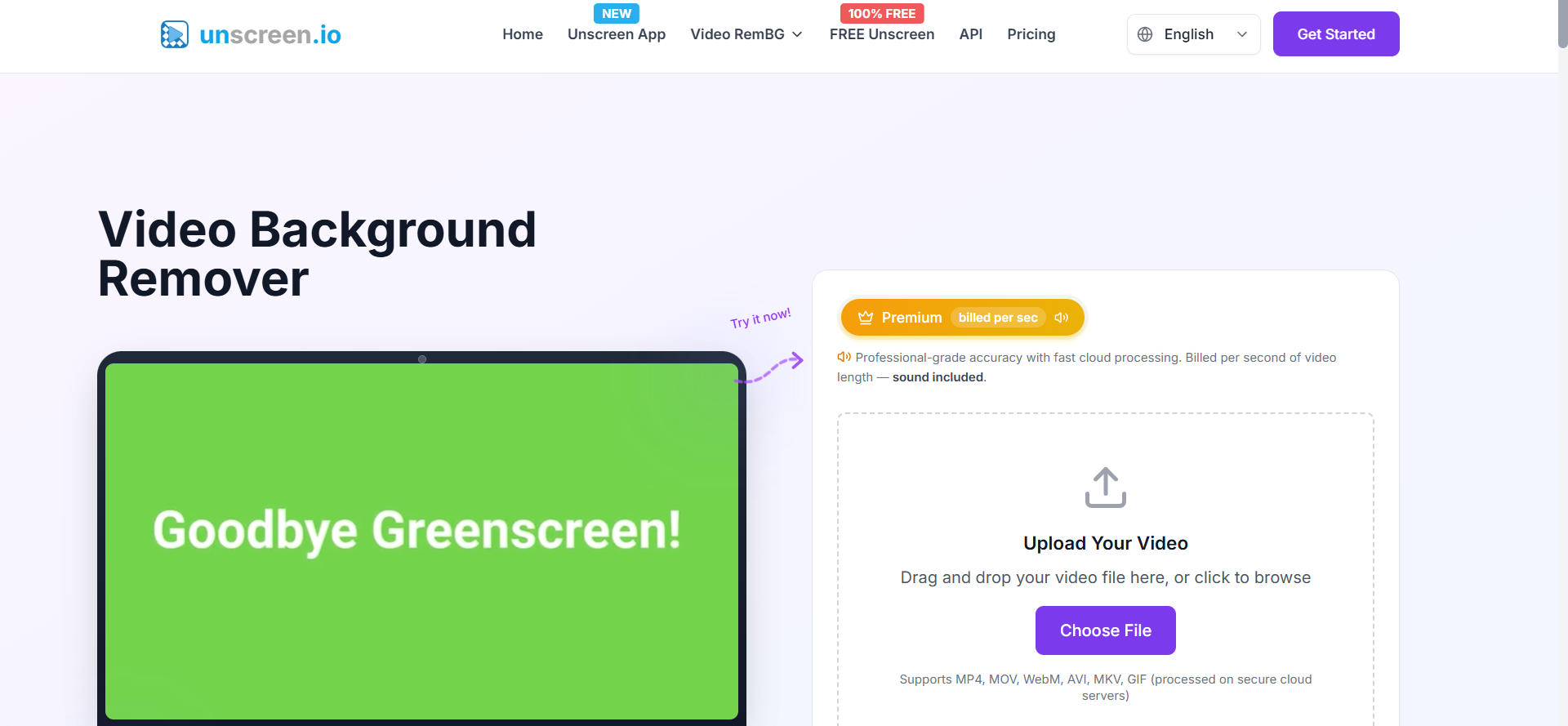
Unscreen is an automated AI video background removal tool developed by the creators of Remove.bg. It allows video creators, marketers, and editors to erase video backgrounds without needing green screens, studio backdrops, or manual frame-by-frame rotoscoping. By analyzing foreground subjects in motion, Unscreen isolates people, animals, and objects with precise pixel edges. Users can export videos with transparent backgrounds, solid color backdrops, or swap in custom video clips and graphic backgrounds. The browser-based app supports formats including MP4, MOV, AVI, and animated GIFs. Unscreen integrates directly into post-production workflows to speed up video ad production, social media clips, and web animations.
Frequently Asked Questions
What is Unscreen and how does it remove video backgrounds without a green screen?
Unscreen is an AI-powered visual processing platform designed to analyze motion video frames and automatically distinguish human subjects, pets, or objects from their surroundings. Instead of forcing creators to set up physical green screens or spend hours performing manual mask tracing (rotoscoping) in traditional video software, Unscreen uses machine learning models trained on millions of video clips to detect pixel boundaries dynamically. Once uploaded, the AI strips away the original background in seconds, delivering a clean cutout that can be overlaid onto transparent layers, static images, or new motion backgrounds directly inside your browser.
What video formats, resolutions, and file types are supported by Unscreen?
Unscreen supports standard video and animated media formats including MP4, MOV, AVI, WebM, and animated GIFs. The standard free version generates quick previews and lower-resolution GIF exports. For professional video editors, upgrading to Unscreen Pro unlocks full HD resolution downloads, full-length video rendering, color channel transparent MP4/ProRes exports, and seamless integration into timeline tools like Adobe Premiere Pro, Final Cut Pro, and DaVinci Resolve via alpha channel outputs.
How does Unscreen handle privacy and raw video uploads?
Unscreen prioritizes content security by employing end-to-end encrypted connections for all media uploads and cloud processing tasks. Uploaded video files and temporary background renders are automatically deleted from server storage within 24 hours of processing, ensuring that proprietary footage, unreleased marketing clips, and personal videos remain private and are never retained or indexed.
Is Unscreen free to use, and what is the difference between Free and Pro tiers?
Unscreen operates on a freemium pricing structure. The free tier lets users test short clips (up to 5 seconds) and export watermarked previews or animated GIFs. The Pro subscription (and pay-as-you-go credit packages) eliminates watermarks, supports full HD video rendering, unlocks audio retention, enables full video lengths, and provides commercial usage rights along with developer API access for automated batch video processing.
Are you the maker of Unscreen?Add this badge to your website so visitors can see your rating.
110listing views
4visits sent to Unscreen
Live counters, all time. We show every maker the real numbers.

Want it in front of more people? Fast-track & upgrade this listing →
Alternatives
Best Unscreen Alternatives
Looking for something like Unscreen? These are the highest-scored Video & Audio tools in our directory, ranked by score, never by who paid: Alici AI, Videez, Podcast.ai, Seedance 2.5 (Dreamina), VEED and more.

Alici AI
Video & Audio● Live
AI platform for creating marketing videos, images, and ad content.

Videez
Video & Audio● Live
Turn text prompts and images into short, shareable AI videos.

Podcast.ai
Video & Audio● Live
AI-driven podcasting with interactive and diverse audio experiences.

Seedance 2.5 (Dreamina)
Video & Audio● Live
AI video generation model for creating cinematic videos from prompts.

VEED
Video & Audio● Live
Online AI video editor with subtitles, avatars, and voice tools

Opus Clip
Video & Audio● Live
AI video tool that automatically transforms long video clips into short, captioned viral shorts.

Runway ML
Video & Audio● Live
Generate and edit cinematic videos with AI.

Vidguru AI
Video & Audio● Live
An all-in-one AI video generator for creating UGC ads, digital avatars, and viral video effects.
📬 Get the best new AI tools by email
Only when we find tools worth your time. No spam, unsubscribe anytime.