
Video & Audio
Vizard
AI video editor that turns long recordings into captioned, vertical social clips automatically.
Freemium
★★★★½
4.7
AI Video Clipping
Text-Based Video Editing
Auto-Subtitles
Repurposing
Social Media Publisher
About Vizard
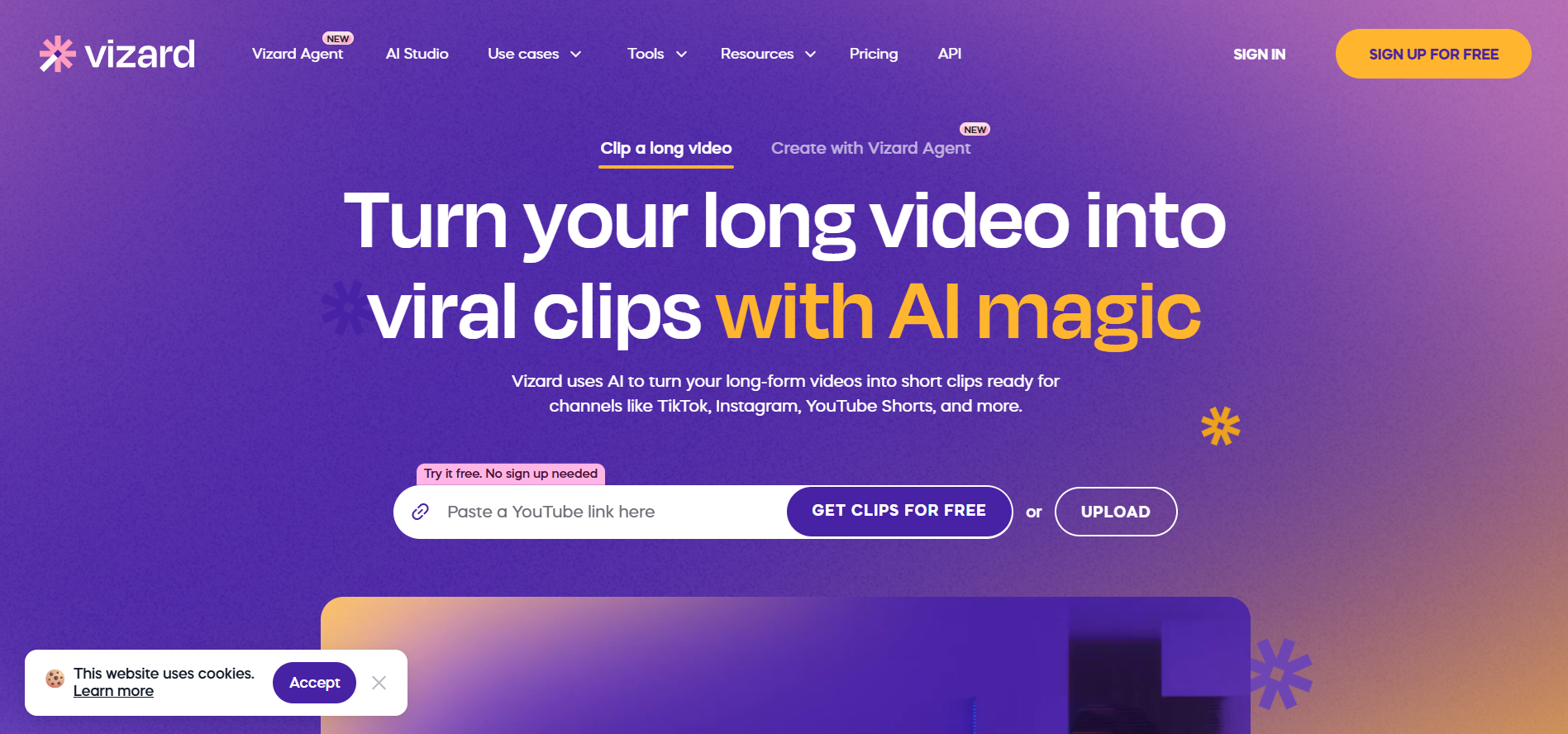
Vizard.ai is an online AI video editing platform designed to convert long podcasts, webinars, and interviews into bite-sized, social-ready short clips. The software automatically transcribes the video, extracts key highlights, inserts animated captions, and crops the scene to a 9:16 layout centered on active speakers. Users can edit videos through text transcriptions, insert AI-generated B-roll, or translate subtitles into over 30 languages. It also provides built-in brand kits, social media auto-scheduling, and direct publishing capabilities. Vizard operates on a credit-based system where usage is determined by the total minutes of source footage uploaded.
Frequently Asked Questions
What is Vizard.ai, and how does its AI video editing technology work?
Vizard.ai is an automated AI video repurposing platform engineered to ingest long-form recordings—such as podcasts, webinars, interviews, and Zoom calls—and transform them into short-form clips tailored for TikTok, Instagram Reels, and YouTube Shorts. The underlying AI transcribes the spoken audio, scans the script to pinpoint high-engagement highlights, applies vertical auto-reframing to track active speakers, and attaches animated captions with custom emojis and keyword highlights without requiring manual timeline editing.
What are the pricing options for Vizard.ai, and what is included in the free tier?
Vizard operates on a Freemium pricing structure that includes a Free plan alongside paid Creator (starting at $14.50 per month) and Business (starting at $19.50 per month) tiers. The Free plan grants users 60 credits per month with 720p exports that contain a watermark. Upgrading to paid tiers removes watermarks, enables 4K export resolution, provides permanent video cloud storage, unlocks brand kits with custom fonts, and grants multi-channel social media scheduling.
How does Vizard calculate video usage, and what formats are supported?
Vizard measures platform usage through upload credits, where 1 credit equals 1 minute of source video uploaded to the system, regardless of how many output clips are generated. Users can upload files directly in MP4 or MOV formats or import public media links from platforms like YouTube, Zoom, and Google Drive, supporting source recordings up to multiple hours depending on the account tier.
Can users manually edit clips, translate captions, and retain commercial rights?
Yes, users can refine output clips by editing the transcribed text directly—which trims the video corresponding to deleted text—or by adjusting keyframes, aspect ratios, layouts, fonts, and AI B-roll. Vizard also offers automated caption translation across 30+ languages, and all paid subscribers retain full commercial usage rights for all exported video assets.
Similar Tools
More in Video & Audio

Podcast.ai
Video & Audio
AI-driven podcasting with interactive and diverse audio experiences.
🎬
FreemiumVideez
Video & Audio
Turn text prompts and images into short, shareable AI videos.

Alici AI
Video & Audio
AI platform for creating marketing videos, images, and ad content.

Fliki
Video & Audio
AI tool for turning text into videos with voiceovers
📬 The 5 best new AI tools, every Tuesday
One short email. No spam, unsubscribe anytime.