Image Generation
Topaz Photo AI
AI photo enhancement software for sharpening, denoising, and upscaling.
Website checked and live 4 days ago · how we check
AI photo enhancement
image upscaling
denoise AI
image sharpening
face recovery
photo restoration
super resolution
Is this your tool? Get a demo video made for it
About Topaz Photo AI
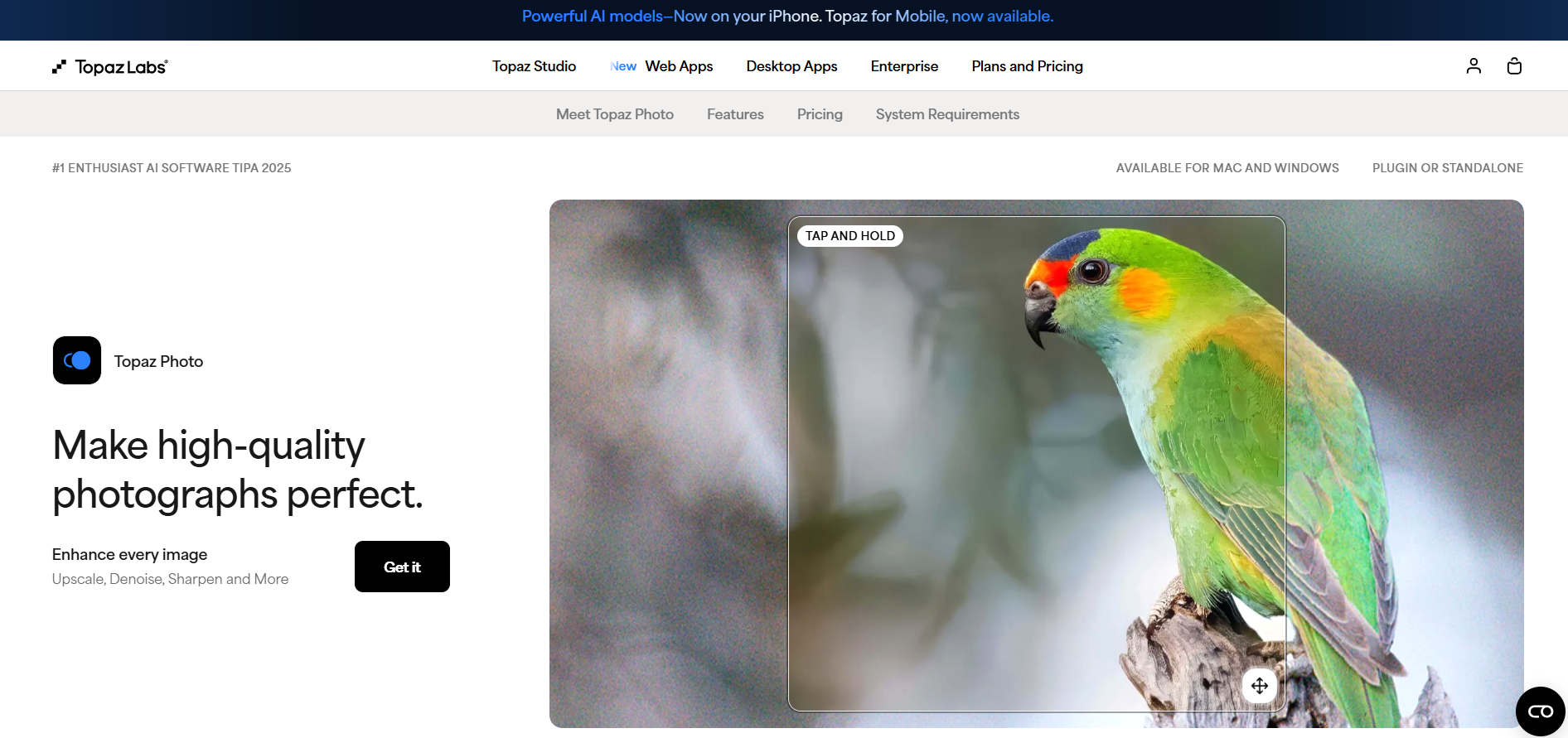
Topaz Photo AI is an AI-powered photo enhancement application that automatically improves image quality using deep learning models. It combines noise reduction, image sharpening, face recovery, resolution upscaling, and detail restoration into a single workflow. The software analyzes each image to recommend the best enhancements while preserving natural textures. It is widely used by photographers, designers, and creative professionals to restore and optimize photos. Topaz Photo AI is available for Windows and macOS.
Frequently Asked Questions
What is Topaz Photo AI and how does its Autopilot engine work?
Topaz Photo AI is a desktop photo restoration and enhancement suite designed to fix image blur, digital noise, pixelation, and exposure problems using deep learning models. When an image or RAW file is opened, its built-in Autopilot engine automatically scans the photo, detects specific camera sensors or lenses, evaluates pixel quality, and applies the optimal combination of denoising, sharpening, upscaling, and face recovery adjustments. Users can either accept these automated adjustments or manually fine-tune individual sliders to reach their desired visual result.
What is the difference between Topaz Photo AI and standalone Gigapixel AI?
Topaz Photo AI combines all three of Topaz Labs' primary photo editing tools—Gigapixel AI (upscaling), Sharpen AI (blur reduction), and DeNoise AI (grain removal)—into one seamless workflow. While standalone Gigapixel AI focuses specifically on enlarging images up to 600% with specialized upscaling models, Topaz Photo AI includes the same upscaling technology alongside automated lighting correction, color adjustment, object removal, and face reconstruction tools.
Can Topaz Photo AI be used as a plugin for Adobe Lightroom and Photoshop?
Yes, Topaz Photo AI functions both as an independent standalone desktop application and as an integrated plugin for creative workflows. Photographers using Adobe Photoshop, Lightroom Classic, or Capture One can launch Topaz Photo AI directly from their existing editing environment. This workflow allows users to apply AI noise reduction, sharpening, and resolution enlargement on RAW images before converting or exporting files back to their primary editing library.
What system requirements and pricing options apply to Topaz Photo AI?
Topaz Photo AI is offered as paid software available through monthly or annual subscription plans for individual creators and commercial studios. Because the software executes complex deep learning algorithms locally on your computer, it requires a modern macOS or Windows 10/11 system equipped with a compatible dedicated graphics processor (NVIDIA, AMD, or Apple Silicon) and sufficient RAM for smooth batch processing. Subscribers gain access to desktop software, mobile companion tools, cloud processing options, and ongoing model upgrades.
Are you the maker of Topaz Photo AI?Add this badge to your website so visitors can see your rating.
69listing views
Live counters, all time. We show every maker the real numbers.

Want it in front of more people? Fast-track & upgrade this listing →
Alternatives
Best Topaz Photo AI Alternatives
Looking for something like Topaz Photo AI? These are the highest-scored Image Generation tools in our directory, ranked by score, never by who paid: Midjourney, YouCam Online Editor, Mage Space, Fotor, DALL·E 3 and more.

Midjourney
Image Generation
Generate stunning images from text prompts.

YouCam Online Editor
Image Generation● Live
AI creative suite for generating and editing images and videos online.

Mage Space
Image Generation● Live
AI platform for generating and editing images from text prompts.
Fotor
Image Generation● Live
An all-in-one online photo editor, graphic design tool, and AI image generator.

DALL·E 3
Image Generation
OpenAI text-to-image generation.

Adobe Firefly
Image Generation● Live
Adobe’s AI art tool focused on commercial-safe image generation and professional creative workflows.

Vizcom
Image Generation● Live
AI platform that transforms sketches into realistic 3D product renders.

Raphael AI
Image Generation● Live
Free AI image generator that creates images from text prompts.
📬 Get the best new AI tools by email
Only when we find tools worth your time. No spam, unsubscribe anytime.