
Image Generation
Photoroom
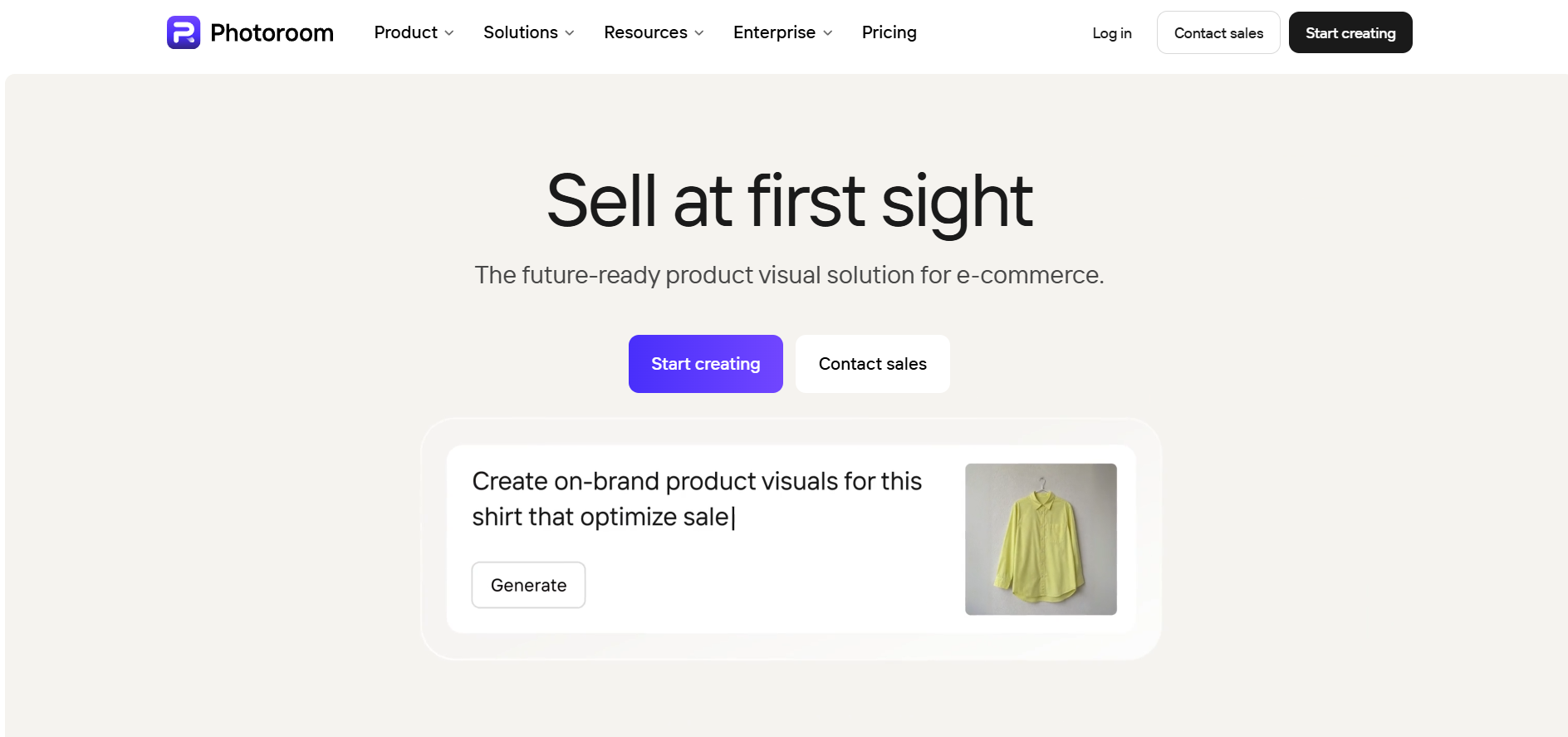
AI photo editing studio for instant background removal, studio lighting, and product photography.
Website checked and live 8 days ago · how we check
Product Photography
Background Remover
E-Commerce AI
Virtual Model
Batch Image Editor
Is this your tool? Get a demo video made for it
About Photoroom
Photoroom is an AI photo editing studio optimized for e-commerce sellers, resellers, and digital marketers. It automatically removes image backgrounds, generates realistic studio backgrounds, adds shadows, and creates multi-angle views for catalog listings. Features like Ghost Mannequin, Virtual Model customization, and Batch Editing enable high-volume photo processing across web and mobile platforms. Photoroom also includes product video generation, photo recoloring, and generative outpainting tools. Designed for speed, it allows sellers to create studio-ready product photography without commercial studio setups.
Frequently Asked Questions
What is Photoroom and how does it assist e-commerce sellers?
Photoroom is an AI-driven photo editing and asset generation studio built specifically to streamline commercial product photography. By automating complex tasks like background removal, studio lighting synthesis, ghost mannequin creation, and product recoloring, Photoroom enables sellers on platforms like Shopify, eBay, Poshmark, and Amazon to publish professional storefront listings in seconds. The AI automatically senses object edges, applies natural shadows, and generates tailored backdrop environments that boost listing conversion rates without requiring expensive photography equipment.
What are Virtual Models and More Angles in Photoroom?
Virtual Model and More Angles are advanced generative features designed to expand product listings without re-shooting inventory. Virtual Model places apparel onto customizable AI-generated human avatars, allowing sellers to adjust model pose, ethnicity, clothing fit, and studio setting. More Angles takes a single flat product image and generates realistic prospective views (front, side, detail, and isometric angles) while preserving consistent lighting and background conditions across the listing gallery.
Can Photoroom process multiple product images simultaneously?
Yes, Photoroom includes a high-performance Batch Editor that allows users to process dozens or hundreds of product shots in a single click. Sellers can apply uniform background removals, set standardized canvas aspect ratios, auto-align cropped edges, and apply consistent studio lighting templates across an entire inventory batch, cutting down post-production catalog time by over 90%.
Is Photoroom free to use, and how does subscription pricing work?
Photoroom offers a freemium model with free access on iOS, Android, and web browsers for standard background cutouts and basic templates. Pro, Max, and Ultra subscription tiers unlock HD downloads, batch editing, AI video generation, Virtual Model tools, custom branding presets, and team sharing options.
Are you the maker of Photoroom?Add this badge to your website so visitors can see your rating.
87listing views
Live counters, all time. We show every maker the real numbers.

Want it in front of more people? Fast-track & upgrade this listing →
Alternatives
Best Photoroom Alternatives
Looking for something like Photoroom? These are the highest-scored Image Generation tools in our directory, ranked by score, never by who paid: Midjourney, YouCam Online Editor, Mage Space, Fotor, DALL·E 3 and more.

Midjourney
Image Generation
Generate stunning images from text prompts.

YouCam Online Editor
Image Generation● Live
AI creative suite for generating and editing images and videos online.

Mage Space
Image Generation● Live
AI platform for generating and editing images from text prompts.
Fotor
Image Generation● Live
An all-in-one online photo editor, graphic design tool, and AI image generator.

DALL·E 3
Image Generation
OpenAI text-to-image generation.

Adobe Firefly
Image Generation● Live
Adobe’s AI art tool focused on commercial-safe image generation and professional creative workflows.

Vizcom
Image Generation● Live
AI platform that transforms sketches into realistic 3D product renders.

Raphael AI
Image Generation● Live
Free AI image generator that creates images from text prompts.
📬 Get the best new AI tools by email
Only when we find tools worth your time. No spam, unsubscribe anytime.