Image Generation
Getimg AI
An all-in-one AI visual suite for image generation, canvas editing, and short video animation.
Freemium
★★★★
4.4
Multi-Model Generator
AI Art Hub
Dream Booth Training
Inpainting Editor
AI Video Generator
About Getimg AI
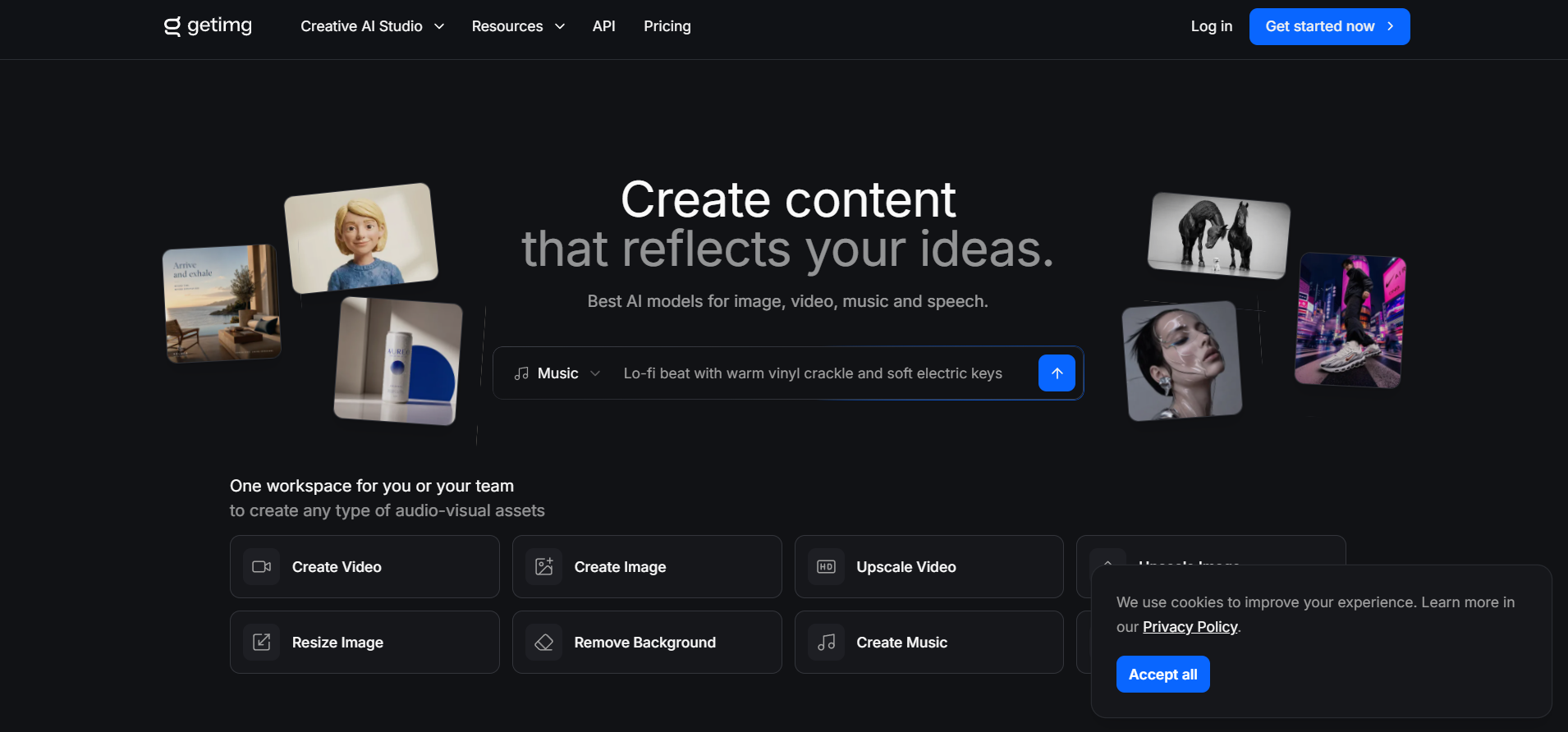
getimg.ai is an all-in-one web platform integrating multiple open-source generative AI models into a single interface for text-to-image, image-to-image, and video generation workflows. Its core advantage is accessibility, enabling users to switch between popular model versions (such as Stable Diffusion and FLUX.1) without hosting server infrastructure. The tool features an Image Editor with Inpainting and Outpainting, DreamBooth for training personal AI models, and a Real-Time generation mode. Users can produce various art styles, generate consistent character imagery, create short video clips, and edit localized image areas. It serves independent creators, marketing professionals, and developers testing generative pipelines. Output deliverables include 2D images, transparent PNGs, custom AI models, and short video clips.
Frequently Asked Questions
What is getimg.ai and what is its primary function?
getimg.ai is an all-in-one platform granting access to multiple AI models for web-based image creation, video animation, and graphic editing. Its primary function is providing creators a single workspace to generate visual art, edit photos, and train personalized AI models easily.
Does getimg.ai provide a free tier?
Yes, getimg.ai provides free monthly credits for basic image generation. Users needing larger generation quotas, custom model training (DreamBooth), video generation capabilities, and faster processing speeds can upgrade to Basic, Standard, or Pro subscription tiers.
Is getimg.ai classified as an AI platform?
Yes, getimg.ai is an AI-Native cloud ecosystem built to execute various generative artificial intelligence models natively.
What is the main advantage of the DreamBooth feature on getimg.ai?
The DreamBooth feature allows users to upload 10 to 20 images of a subject, face, or visual style to train a custom AI model. Once trained, users can generate new images placing that specific subject or style into different scenes and context settings.
Similar Tools
More in Image Generation
Spline AI
Image Generation
An AI-powered 3D design tool to generate 3D objects, textures, and interactive scenes online.
Magnific AI (Freepik)
Image Generation
AI image upscaler that enhances images with realistic details.
Picsart
Image Generation
An all-in-one creative digital creation suite offering photo editing, video tools, and generative AI
Leonardo AI
Image Generation
An advanced generative AI platform for visual asset creation, image editing, and custom model traini
📬 The 5 best new AI tools, every Tuesday
One short email. No spam, unsubscribe anytime.