
Video & Audio
Suno AI
AI music generator that creates complete songs from text prompts
Website checked and live 2 days ago · how we check
AI Music Generator
Song Creation
Music Production
Lyrics Generation
Vocals
Audio Creation
Generative AI
Content Creation
About Suno AI
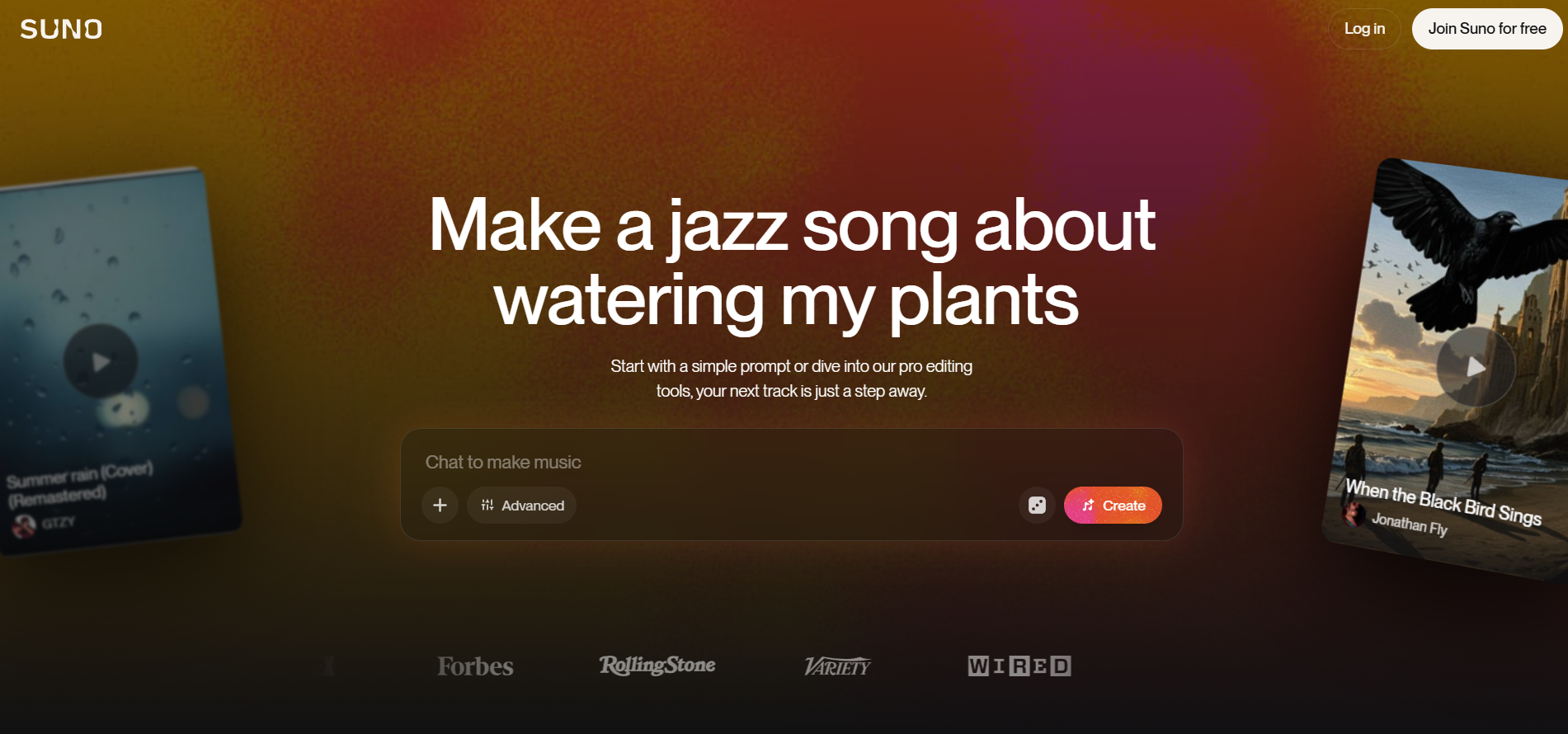
Suno generates complete songs from a text description — vocals, instruments, structure and lyrics — in under a minute. Type "melancholy indie folk about leaving home, female vocals" and receive a finished track that sounds startlingly like real music.
You can let it write lyrics or supply your own, choose styles across virtually every genre, extend songs, and generate variations. The quality leap in recent versions moved output from novelty to genuinely usable for content backing tracks, jingles, demos and personal projects — while sparking equally genuine debate about what this means for musicians.
A free tier provides daily credits (non-commercial); paid plans add more generations, faster processing and commercial usage rights.
Strengths: the most impressive text-to-song quality available, absurd speed, and creative accessibility for people who can't play instruments. Weaknesses: it produces convincing pastiche rather than artistic vision — songs can feel formulaic on close listening; commercial rights require paid plans (check terms carefully before monetizing); and the ethics around training data and musicians' livelihoods remain genuinely contested, which is worth acknowledging honestly rather than ignoring.
Who it's for: content creators needing custom music, marketers making jingles, hobbyists exploring ideas, and anyone curious to hear their words sung back to them.
You can let it write lyrics or supply your own, choose styles across virtually every genre, extend songs, and generate variations. The quality leap in recent versions moved output from novelty to genuinely usable for content backing tracks, jingles, demos and personal projects — while sparking equally genuine debate about what this means for musicians.
A free tier provides daily credits (non-commercial); paid plans add more generations, faster processing and commercial usage rights.
Strengths: the most impressive text-to-song quality available, absurd speed, and creative accessibility for people who can't play instruments. Weaknesses: it produces convincing pastiche rather than artistic vision — songs can feel formulaic on close listening; commercial rights require paid plans (check terms carefully before monetizing); and the ethics around training data and musicians' livelihoods remain genuinely contested, which is worth acknowledging honestly rather than ignoring.
Who it's for: content creators needing custom music, marketers making jingles, hobbyists exploring ideas, and anyone curious to hear their words sung back to them.
Frequently Asked Questions
What is Suno AI and what can it create?
Suno AI is a generative music platform that produces complete tracks—including lyrics, melody, instrumentation, and vocals—from simple text prompts. As of 2026, the Suno v5.5 model delivers studio-quality audio (up to 4 minutes per track) that rivals professional recordings across hundreds of genres, from Lo-Fi to Death Metal.
Can I use my own voice or melodies in Suno?
Yes. Suno has introduced several "pro" features for 2026, including Hum-to-Song, which allows you to record a melody to guide the AI, and Personas, which lets you save a specific AI vocal profile to maintain consistency across multiple tracks. You can also upload your own audio clips to extend or remix them using Suno's generative engine.
Who owns the rights to the music created on Suno?
Ownership depends on your subscription tier. Users on Paid Plans (Pro or Premier) own the commercial rights to their generations, allowing them to upload songs to Spotify, YouTube, or use them in films. Free Plan users do not own the commercial rights, and all music generated must be used for non-commercial purposes with attribution to Suno.
How do I control the structure of a song?
For the best results, use Custom Mode. This allows you to input your own lyrics and use "Metatags" in brackets—such as [Verse], [Chorus], [Bridge], and [Outro]—to signal structural changes to the AI. You can also use tags like [Instrumental Break] or [Drop] to guide the energy and arrangement of the track.
Is Suno free?
Yes — daily free credits for non-commercial use. Paid plans add volume, priority and commercial rights.
Can I use Suno songs commercially?
On appropriate paid plans, yes — verify the current terms for your specific use before monetizing.
Can I use my own lyrics?
Yes — supply your lyrics and choose a style, or let Suno write both.
Suno vs Mubert?
Suno creates full songs with vocals; Mubert specializes in instrumental background music and streams.
Are you the maker of Suno AI?Add this badge to your website so visitors can see your rating.
77listing views
1visits sent to Suno AI
Live counters, all time. We show every maker the real numbers.

Want it in front of more people? Fast-track & upgrade this listing →
Alternatives
Best Suno AI Alternatives
Looking for something like Suno AI? These are the highest-scored Video & Audio tools in our directory, ranked by score, never by who paid: Alici AI, Videez, Podcast.ai, Seedance 2.5 (Dreamina), VEED and more.

Alici AI
Video & Audio● Live
AI platform for creating marketing videos, images, and ad content.

Videez
Video & Audio● Live
Turn text prompts and images into short, shareable AI videos.

Podcast.ai
Video & Audio● Live
AI-driven podcasting with interactive and diverse audio experiences.

Seedance 2.5 (Dreamina)
Video & Audio● Live
AI video generation model for creating cinematic videos from prompts.

VEED
Video & Audio● Live
Online AI video editor with subtitles, avatars, and voice tools

Opus Clip
Video & Audio● Live
AI video tool that automatically transforms long video clips into short, captioned viral shorts.

Runway ML
Video & Audio● Live
Generate and edit cinematic videos with AI.

Unscreen
Video & Audio● Live
Automatic AI video background remover that eliminates green screens and manual rotoscoping.
📬 Get the best new AI tools by email
Only when we find tools worth your time. No spam, unsubscribe anytime.